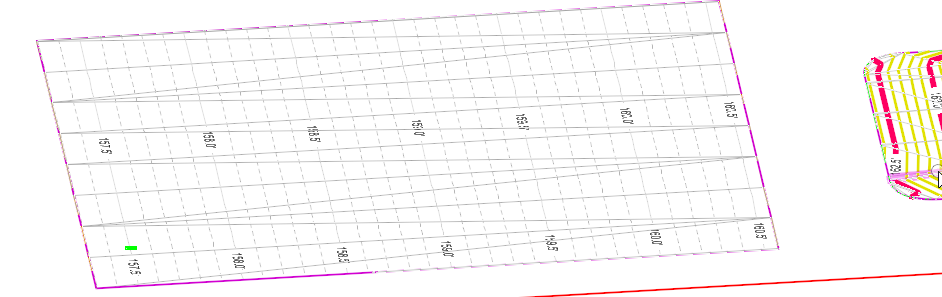
Creating the Draping Terrain from the two Profiles
Video: Creating the Warp Surface.mp4
1) Use Terrain > Create from Elements to create a terrain.
Feature Type: Break Line
Edge Method: None.
Feature Definition: {tip content="the key here is to pick a Feature Definition that has dense contours so that you can see the grading. A better (but not included) Feature Definition would have dense but subtle (grey, weight zero, dashed) contours and triangles (informative but not overwhelming)"}Proposed Drainage Contours{/tip}
Name: Draping for Parking.
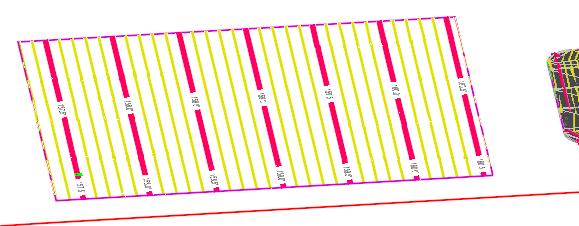
This is a {tip content="\"better\" in the sense that it conveys the grading information without overwhelming the elements that will be placed later. A \"QC\" Terrain Feature Definition is not provided in the training workspace, but this design file substitutes a special Feature Symbology to make the draping terrain \"subtle\"."}better{/tip} "QC" Contour and Triangle Display: